Skip to content
    background image

    Convenient Access to Your Care, Anytime, Anywhere

    Gaylord Specialty Healthcare’s Patient Portal provides secure, 24/7 access to important information about your care.

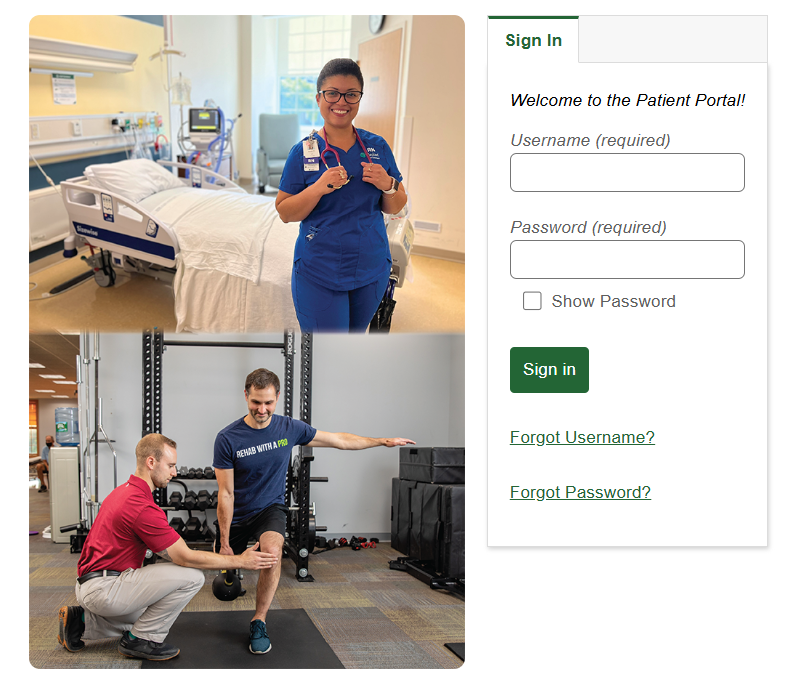
    myhealth_mhealth_patient_portal_login_screenshot
    Features & Capabilities

    What Can You Do Through the MyHealth Portal?

    With Gaylord's MyHealth Patient Portal, you can:

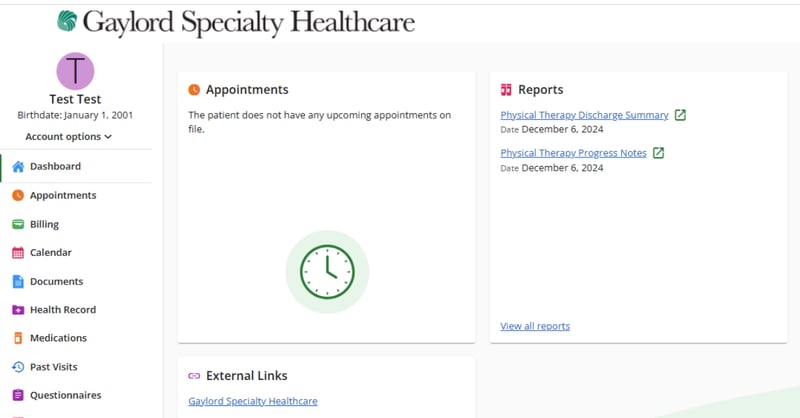
    • View scheduled appointments and location information
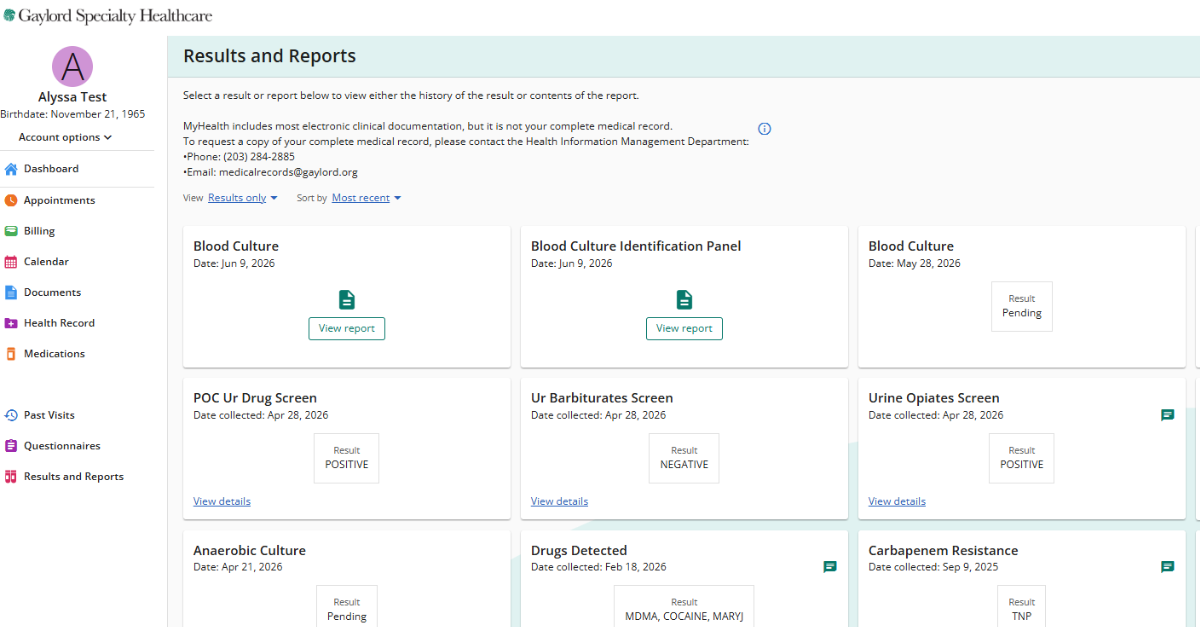
    • View exam and lab results
    • Review medical history
    • Pay your bill online
    • Complete registration forms prior to your visit
    • See provider notes and therapy documentation
    • Access hospital stay and outpatient visit information

    Plus: more features coming soon!

    Get Started

    How to Get Access to MyHealth

    *Important: Before you begin, you'll need an email from Gaylord with your Patient Portal activation link. If you did not receive one, please ask the front desk to resend your activation link at your next visit.

    Favicon

     Step 1: Get Your Activation Link from Gaylord


    You'll need an email from Gaylord with your activation link to begin. If you didn't get one, ask the front desk at your next visit or call Health Information Management (HIM) at 203-284-2885.  Then, download the MHealth app on your smartphone. 

    • iPhone users: Search for “MHealth” in the App Store.
    • Android users: Search for “MHealth” in the Google Play Store.
    Favicon

     Step 2: Activate Your Account


    Open the email from Gaylord and tap the activation link. If you don't have one, you can request a link from the front desk during your next visit. You will receive a temporary username and password for your first login.

    • Do not save the temporary login information.
    • You will be asked to create your own username and unique password.
    • Review and sign the user agreement.
    Favicon

     Step 3: Sign In and Access Your Portal


    Once your account is set up, sign in through the MHealth app anytime to view your dashboard and access your health information. You can also login through a web browser at mycare.gaylord.org.


    For any technical issues, please reach out to patientportal@gaylord.org.


    Frequently Asked Questions

    What is MyHealth?
    How do I register for MyHealth?
    What if I don't have an email address?
    Is there a fee to use the app?
    What do I do if I see an error in my information?
    Can a family member or caregiver access my information in MyHealth?
    Can I access my child's medical record through MyHealth?
    Can I schedule appointments through MyHealth?
    Can I message my provider through MyHealth?
    Can I request prescription renewals through MyHealth?
    Who do I contact if I have technical issues?
    What if I forgot my username or password?

    Privacy & Security: MyHealth is part of MEDITECH (Medical Information Technology Inc.) Expanse and uses secure technology to protect your information. Always log out after each session and keep your login credentials private. Do not save your password.

    Access to Your Health Information (Information Blocking Notice)

    Federal law requires healthcare providers to give patients timely electronic access to their health information.

    Most test results, provider notes, and other clinical information are released to MyHealth automatically and are available as soon as they are finalized. In some situations, certain information may be delayed or not available through the portal when allowed by law, such as when release could cause harm or when information is restricted for privacy or legal reasons.

    If you do not see information you expect to find in MyHealth, you may request access by contacting the Health Information Management Department.

    Screenshots from Inside the MHealth App

    Screenshot 2026-07-08 082624
    Screenshot 2026-07-08 082637
    Screenshot 2026-07-08 082653